
Free Linux & macOS
System Optimizer
Monitor hardware, clean system junk, manage services — all in one app. The open-source Stacer alternative, built with Qt 6.
Everything you need to manage your system
From real-time monitoring to deep cleaning, Nexis gives you full control over your Linux or macOS machine.
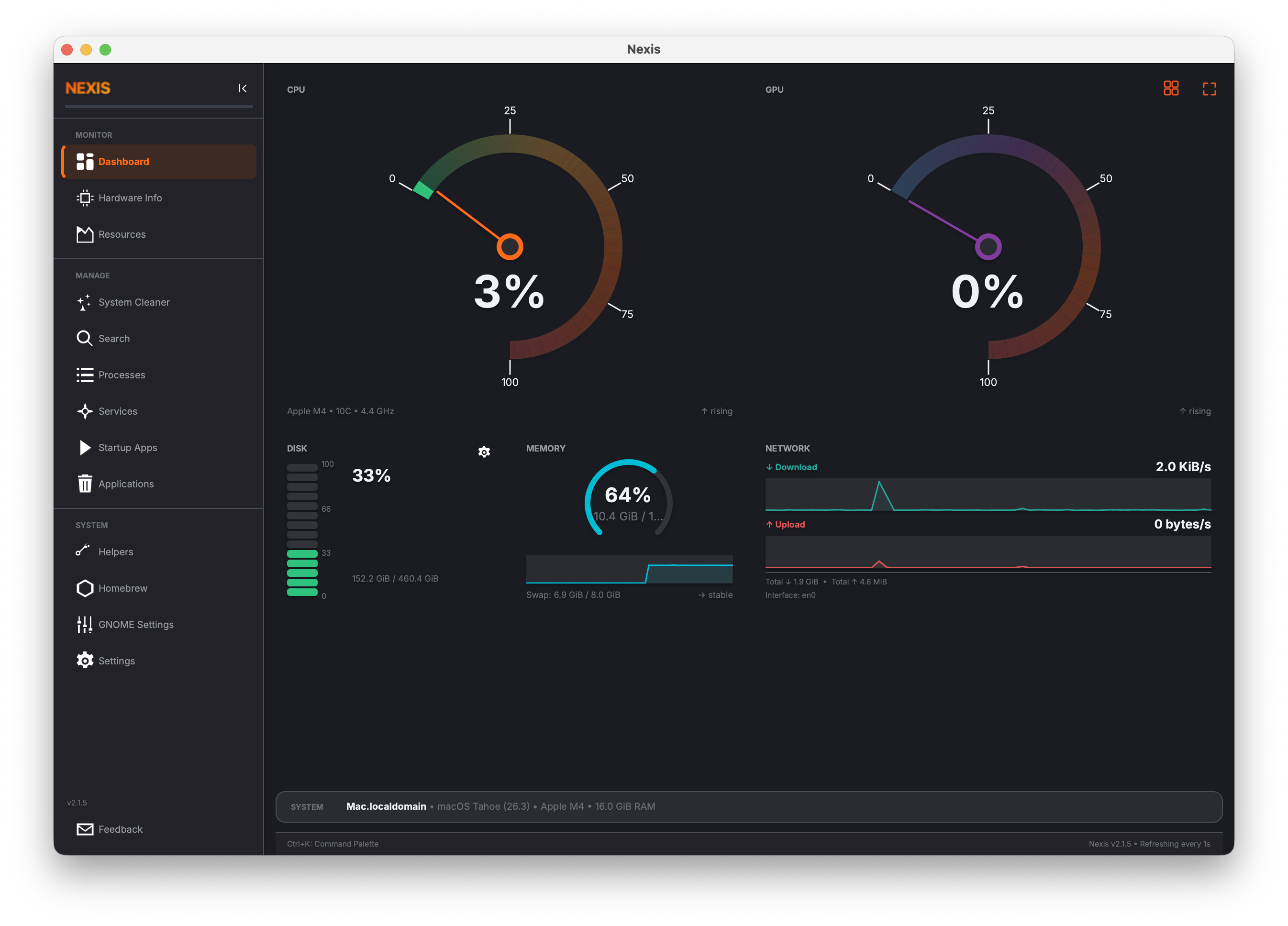
Real-time Dashboard
CPU, memory, disk, GPU, and network at a glance with circular gauges and live charts.
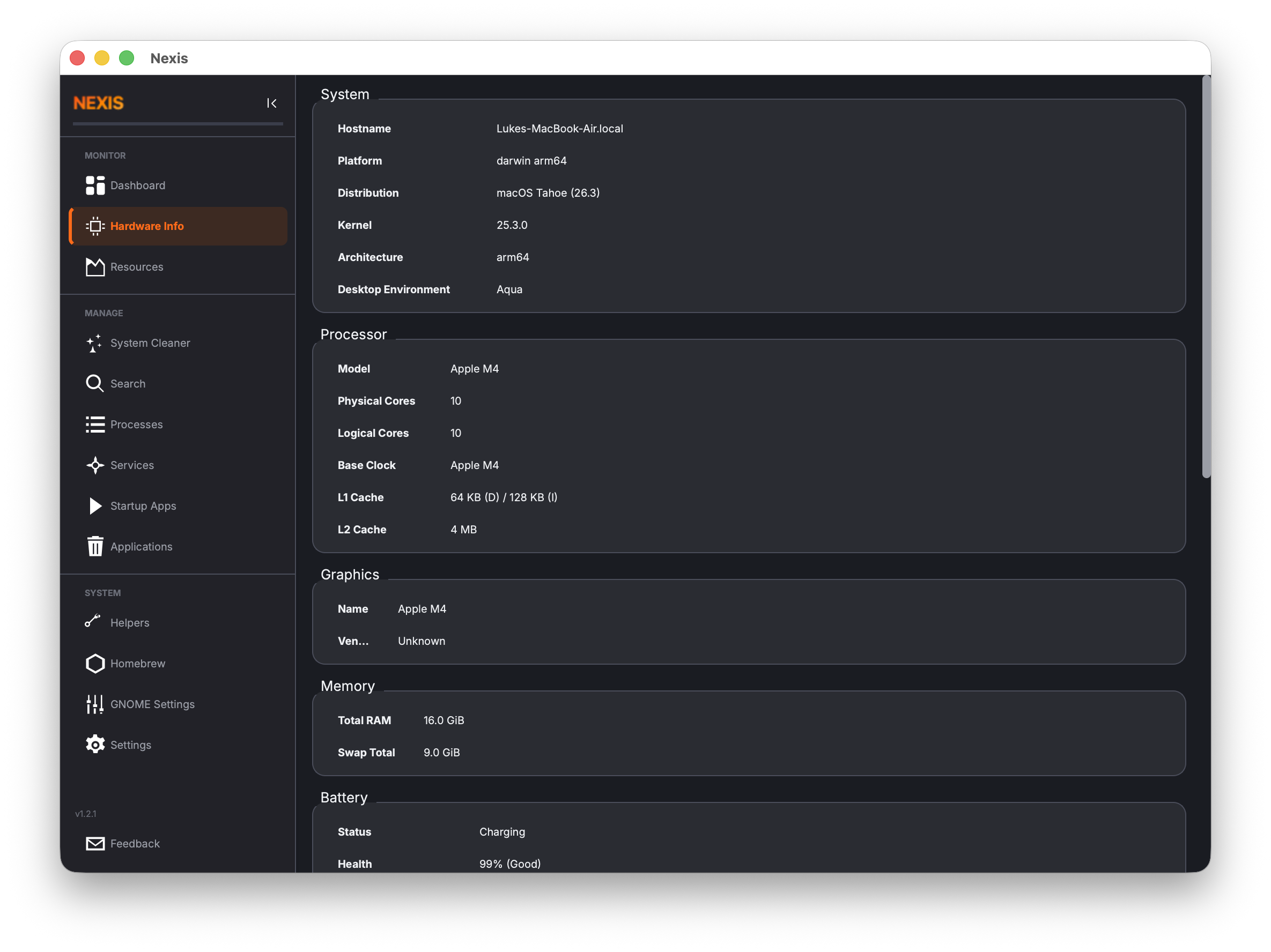
Hardware Info
Detailed system, processor, graphics, and memory specs in a clean, organized view.
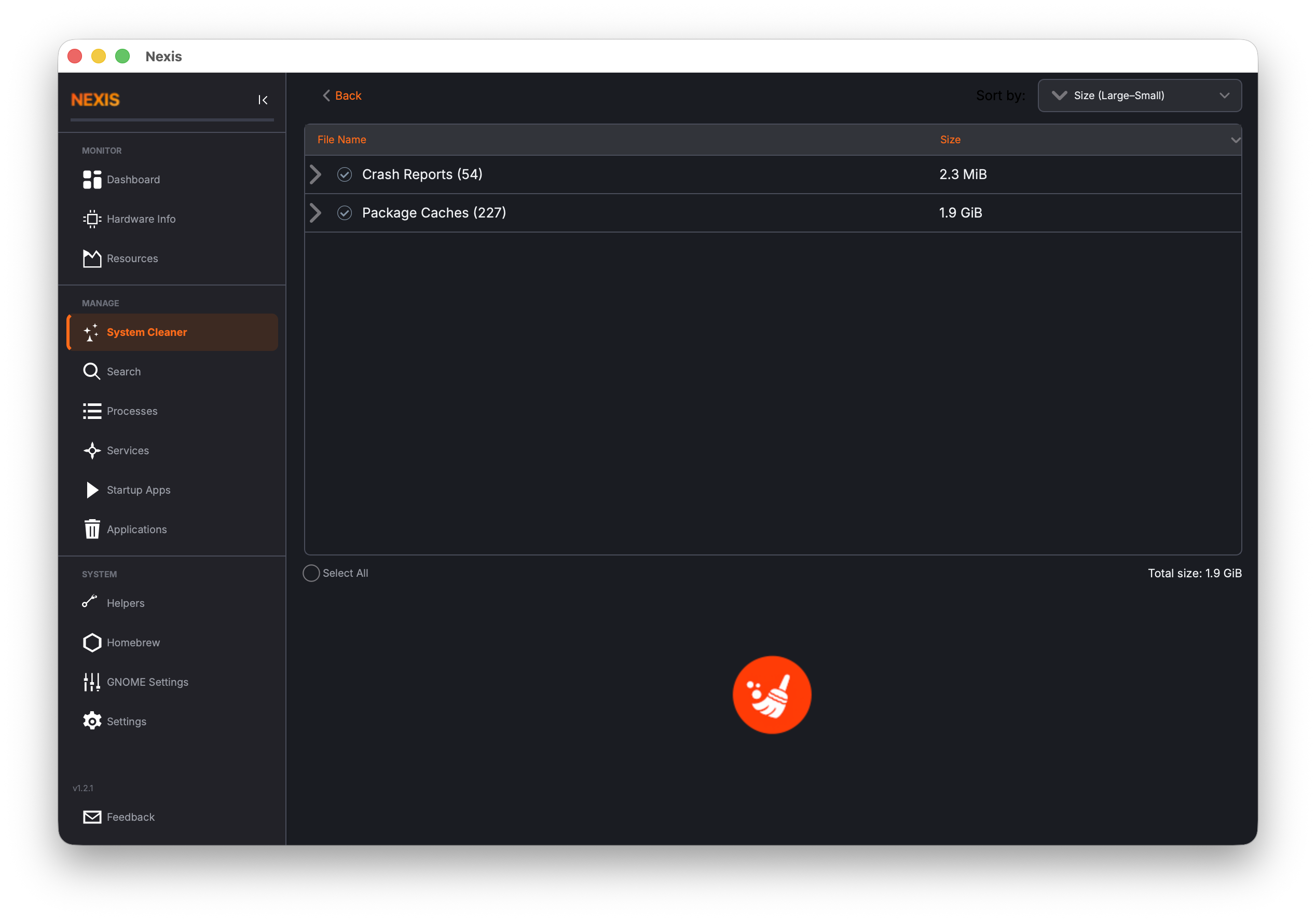
System Cleaner
Reclaim disk space by removing package caches, crash reports, app logs, and trash.
GPU Monitoring
Track utilization for NVIDIA, AMD, and Intel on Linux; Apple Silicon on macOS.
Kiosk Mode
F11 fullscreen dashboard for dedicated monitoring on a secondary display.
Cross-platform
Native on Linux and macOS with platform-specific integrations for each OS.
See it in action
A look at the key pages across the application.
Dashboard
Hardware Info
System Cleaner
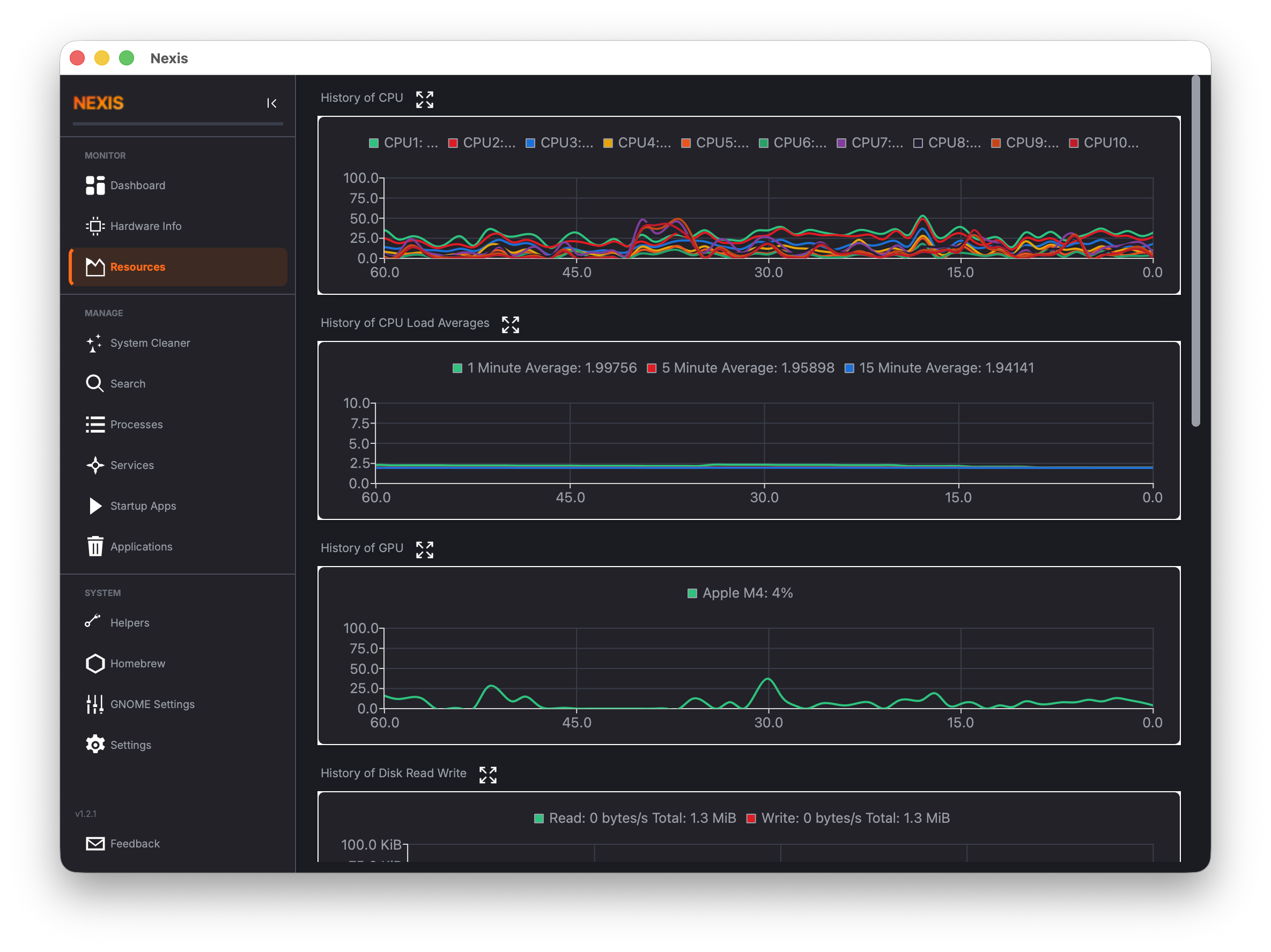
Resource Monitor
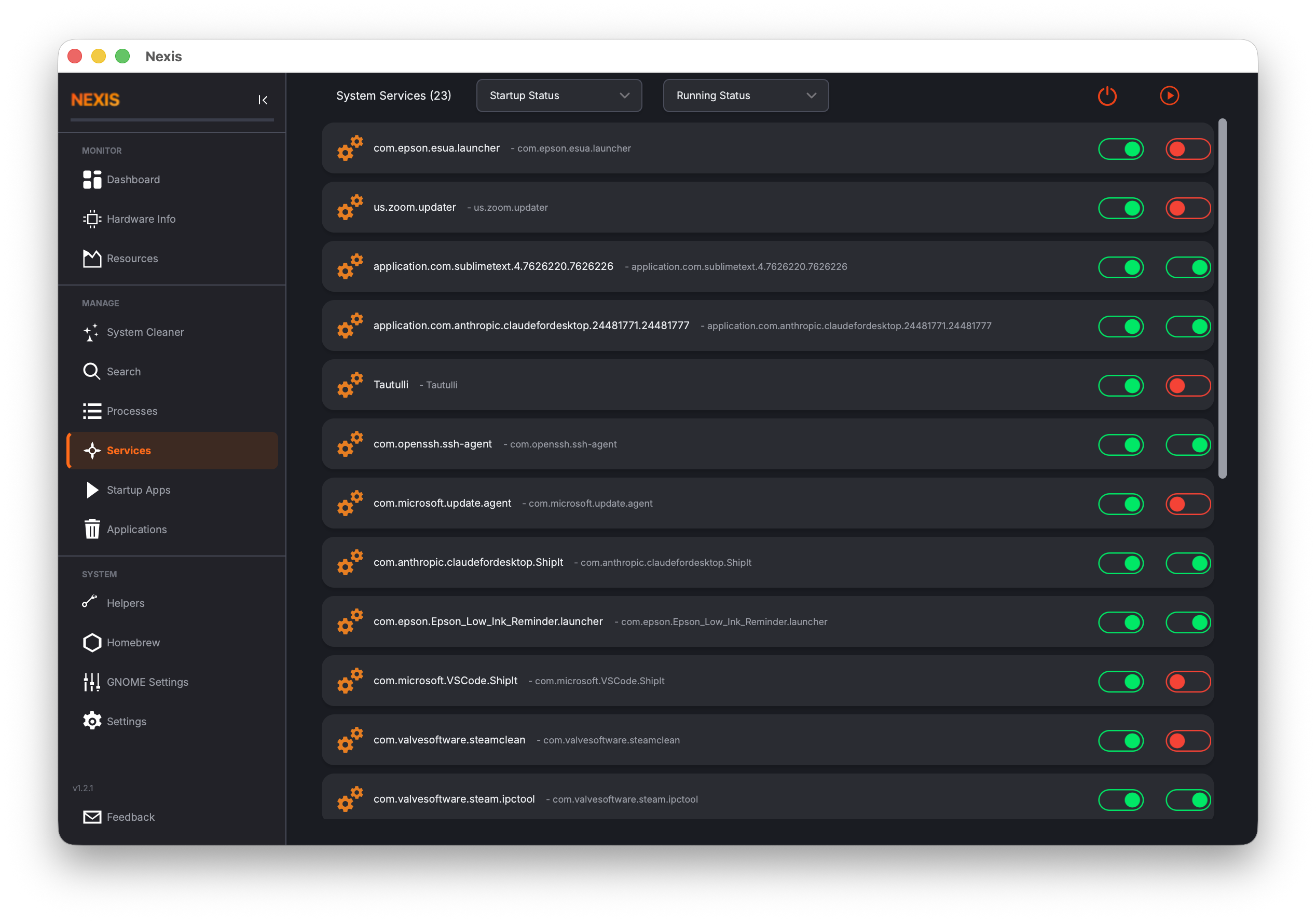
Services
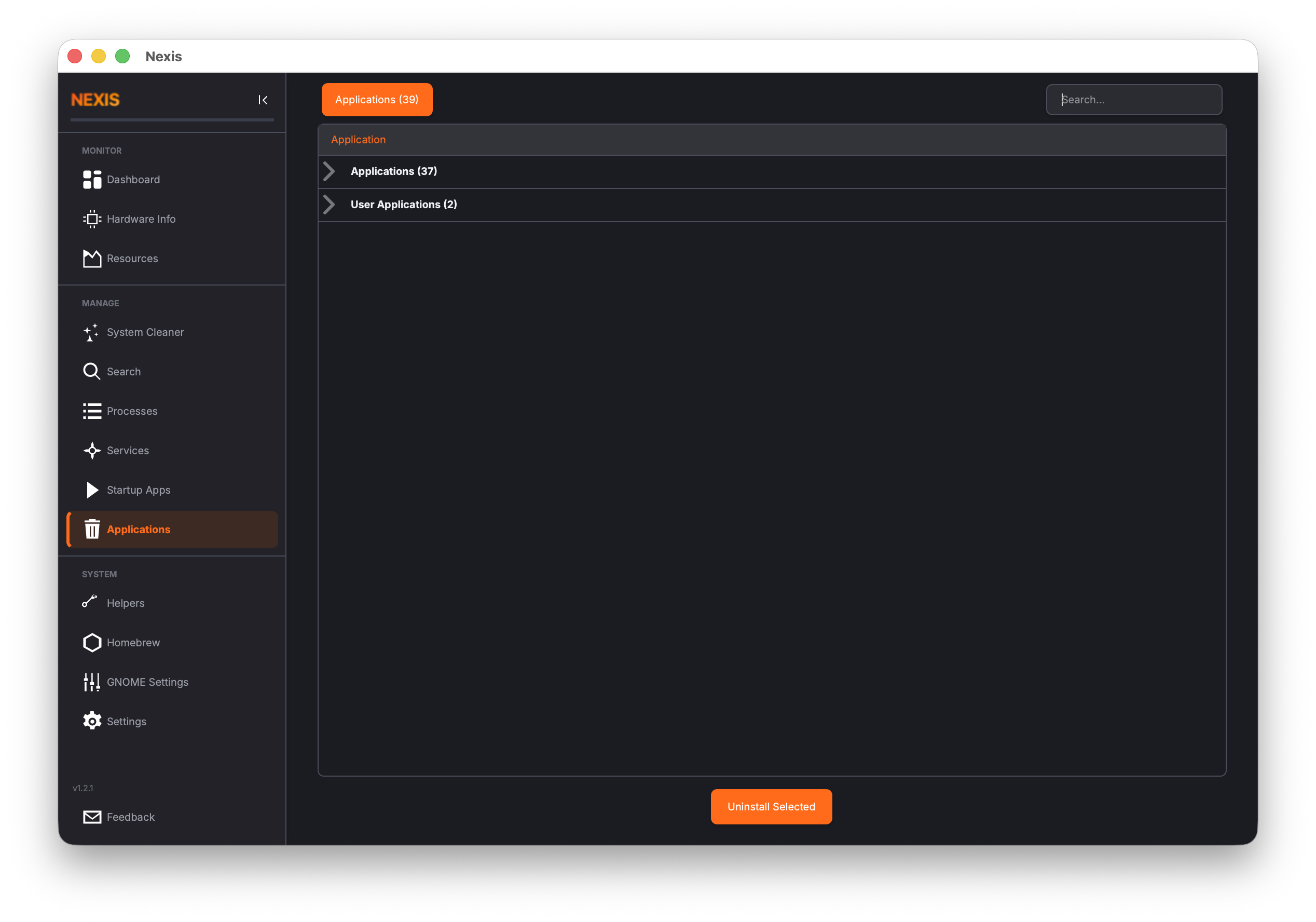
Uninstaller
Download Nexis
Pre-built binaries for Linux and macOS. Or install via APT or Homebrew for automatic updates.
Install via Package Manager
Get automatic updates delivered through your system's package manager.
Supports Ubuntu 26.04 (Resolute) on x86_64 and ARM64.
Ubuntu 22.04 / 24.04 (and Linux Mint Zena): Nexis 2.6+ requires Qt 6.8 LTS, which isn’t available in those repos — install via the AppImage instead. Using the amd64v3 architecture variant repos on 26.04? Add "Architectures: amd64" to the PPA’s .sources file under /etc/apt/sources.list.d/, since the PPA only publishes plain amd64 packages — see the README for the full stanza.
Install
sudo add-apt-repository ppa:s4solutionsllc/nexis
sudo apt update
sudo apt install nexis
Upgrade
sudo apt update && sudo apt upgrade nexisBuild from Source
Clone the repo and build with CMake on any supported platform.
sudo apt install qt6-base-dev qt6-charts-dev qt6-svg-dev qt6-tools-dev-tools \
  libqt6concurrent6 adwaita-icon-theme cmake g++

mkdir -p build && cd build
cmake ..
make -j$(nproc)Get Involved
Nexis is open source and community-driven. Here's how you can help.
Read the Guide
Learn how to use every feature of Nexis with our detailed user guide.
Open user guide →Report Bugs
Found an issue? Let us know so we can fix it.
Open an issue →Translate
34 languages and growing. No coding required.
Help translate →Contribute Code
Check the feature backlog and open a pull request.
View feature requests →Background
Nexis began as a fork of Stacer, a popular Linux system optimizer created by oguzhaninan. After the original project went inactive in 2020, development continued here — porting to Qt 6 and C++17, adding native macOS support, GPU monitoring, a hardware info panel, kiosk mode, and fixing 38+ bugs inherited from the upstream codebase.
As the feature-set diverged, the project was rebranded to reflect that it had become something new. Stacer laid the foundation; Nexis is where it goes from here.